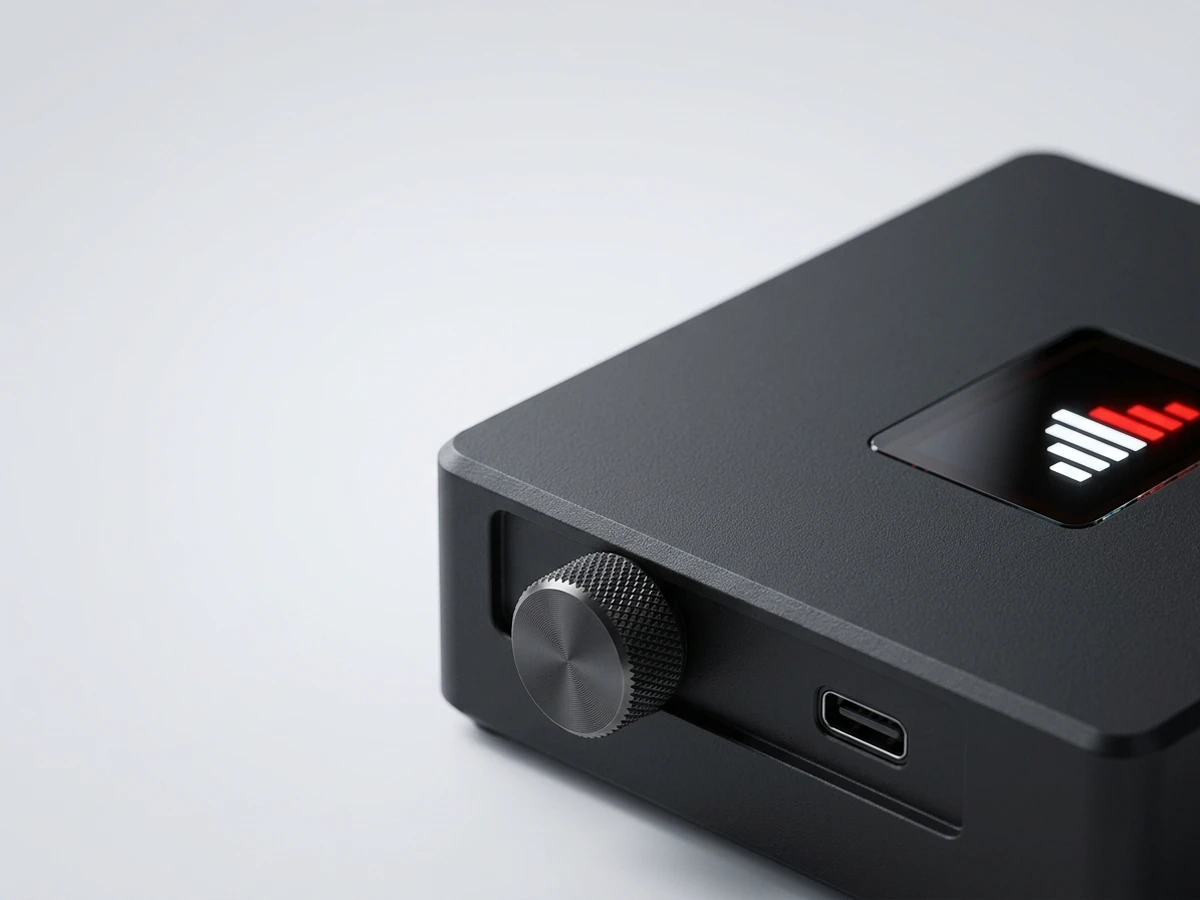
1. Reading the Smoked-Glass OLED Display
Every Arenea Node 1 enclosure features a crisp monochrome OLED window framed by Signal Red hardware detailing:
- Zone Label: Confirms the area served (e.g.,
ASSEMBLY HALL,OPD CORRIDOR 02). - Sync & Network Status: Shows
WI-FI 6 · ONLINEandSYNC LOCKEDwhen paired with Arenea Studio. - Volume Telemetry: Displays live percentage (
VOL: 72%) and explicit mute state.
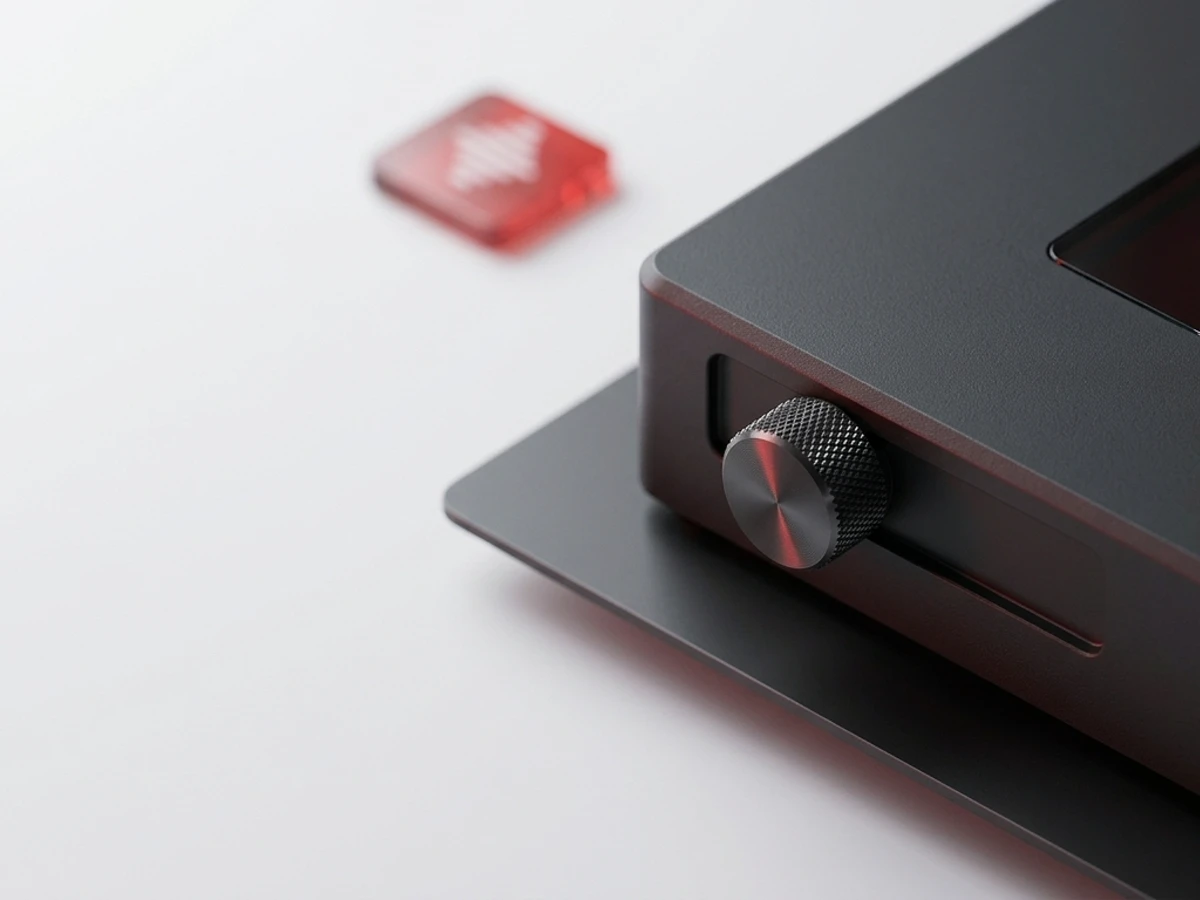
2. Operating the Brushed-Silver Rotary Dial
The precision tactile dial on the left flank gives staff instant walk-up control when unlocked:
- Rotate clockwise or counter-clockwise to scale local zone volume smoothly.
- Press inward once (Push-to-Mute) to mute the zone immediately; press again to restore the previous output level.